
In this article
Share with your community!


Edited & Reviewed
 Edited & Reviewed
Reading time 6 mins
Updated on April 23, 2025
In this article
Share with your community!
TL;DR
- Traditional tools ≠ user experience visibility
- Data alone isn’t enough — you need defined quality standards (KQMs) and ways to enforce them
- Proactive IT starts when you know what “good” looks like — and can track when you’re off target
- A simple health check often reveals more than months of metrics ever could
If your current setup gives you data but no direction, it’s time to rethink what monitoring actually means.
.png?width=868&height=488&name=Comparison%20(Blog%20Banner).png)
Introduction: Traditional Monitoring vs. Proactive IT
Most IT teams today have no shortage of monitoring and management platforms. You've got dashboards tracking devices, software inventories, patch levels, application performance, and network traffic — all in granular detail.
But despite all that tooling, we still see a recurring pattern across environments: critical issues keep getting missed.
Not because IT isn’t doing its job.
But the tools weren’t built to give visibility into what actually matters to the people using the devices every day.
The Real-World Gap
In nearly every independent IT health check we run, we see the same common problems.
For example:
- Long startup times
- Outdated or underused software
- Unapproved applications are running quietly in the background
- Laptops with worn-out batteries or degraded performance
- Crashing or unresponsive apps
- Missing security configurations (BitLocker, critical patches)
- Elevated user rights scattered across machines
These aren’t one-offs. They’re widespread. And most of the time, they’re happening in environments where plenty of monitoring tools are already in place.
So what’s missing?
Data Without Direction Is Just Noise
Most monitoring platforms give you more data than you could ever act on. But they rarely answer these basic, practical questions:
- Is the computer and software environment running well from the end-user’s point of view?
- Are our devices consistently meeting the minimum requirement quality level we expect?
- If not, does anyone get alerted, or does it get lost in the noise?
The reality is that most tools don’t track experience quality as a measurable, enforceable standard.
They monitor events. They track metrics. But they don’t help IT define when to act — or trigger that action when it’s needed.
Start With Key Quality Metrics (KQMs)
If you want better control, define what “healthy” looks like. Not just in abstract terms, but as trackable, enforceable metrics.
For example:
- Boot time < 60 seconds
- No recurring application crashes
- No unsupported OS or out-of-date software in use
- Battery wear levels are within an acceptable range
- Zero elevated user rights unless explicitly approved
- Positive or improving user satisfaction
Once you’ve got your KQMs, you can stop chasing tickets and start managing quality. The problem is: most tools won’t help you track those metrics continuously, or act on them automatically.
From Monitoring to Automated Maintenance
Imagine this instead:
- Your environment is constantly self-checking against your internal quality standards
- When something drops below that threshold, a task is created automatically in your ITSM or work queue
- You can see, at a glance, which issues need attention, which devices are affected, and how your environment is trending
That’s not just visibility. That’s maintainability.
You stop firefighting. You start operating a system.
What IT Really Needs
✔️ Clear, actionable metrics — not just more telemetry
✔️ Automated workflows tied to deviations from a defined minimum requirement quality
✔️ A single view of what's working, what isn’t, and what needs fixing
✔️ Actual user feedback to validate technical data and prioritise fixes
Because let’s be honest — if the only way you find out something’s broken is when someone calls the service desk, then your “monitoring” is basically reactive support with a few dashboards on top.
Elevate Your IT Approach Today
The path from reactive firefighting to proactive IT excellence is clear. By embracing a data-driven approach built on experience, management, and security, your organization can transform IT from a cost center into a strategic asset that drives productivity and innovation.
Ready to make the shift?
Check out Applixure Analytics – the DEX monitoring solution that delivers immediate visibility into your IT environment. Get started in less than a day and begin applying all the principles discussed above. With Applixure, you'll quickly move from blind spots to actionable insights, reduce your IT team's workload, and provide a superior digital experience for all employees.
Check out the Applixure Analytics Page today to see how quickly you can transform your IT operations from reactive to proactive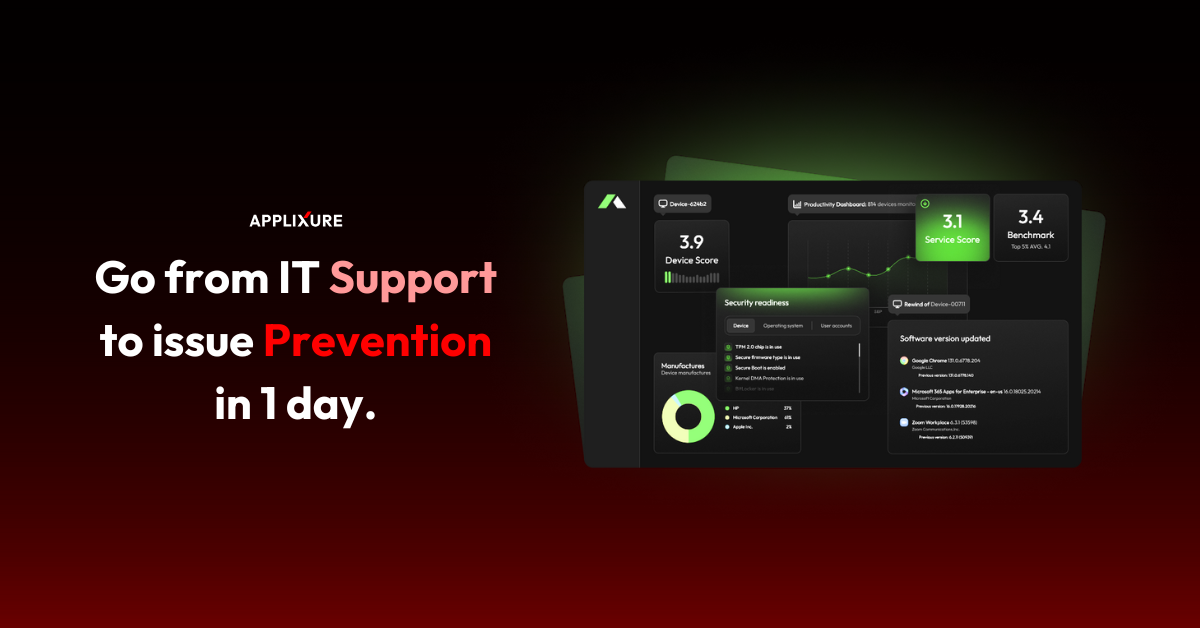
Stay Ahead in IT
Get monthly insights and guides for smarter IT management
No spam. Unsubscribe anytime.