
How It Works
Simple, effective and plug&play
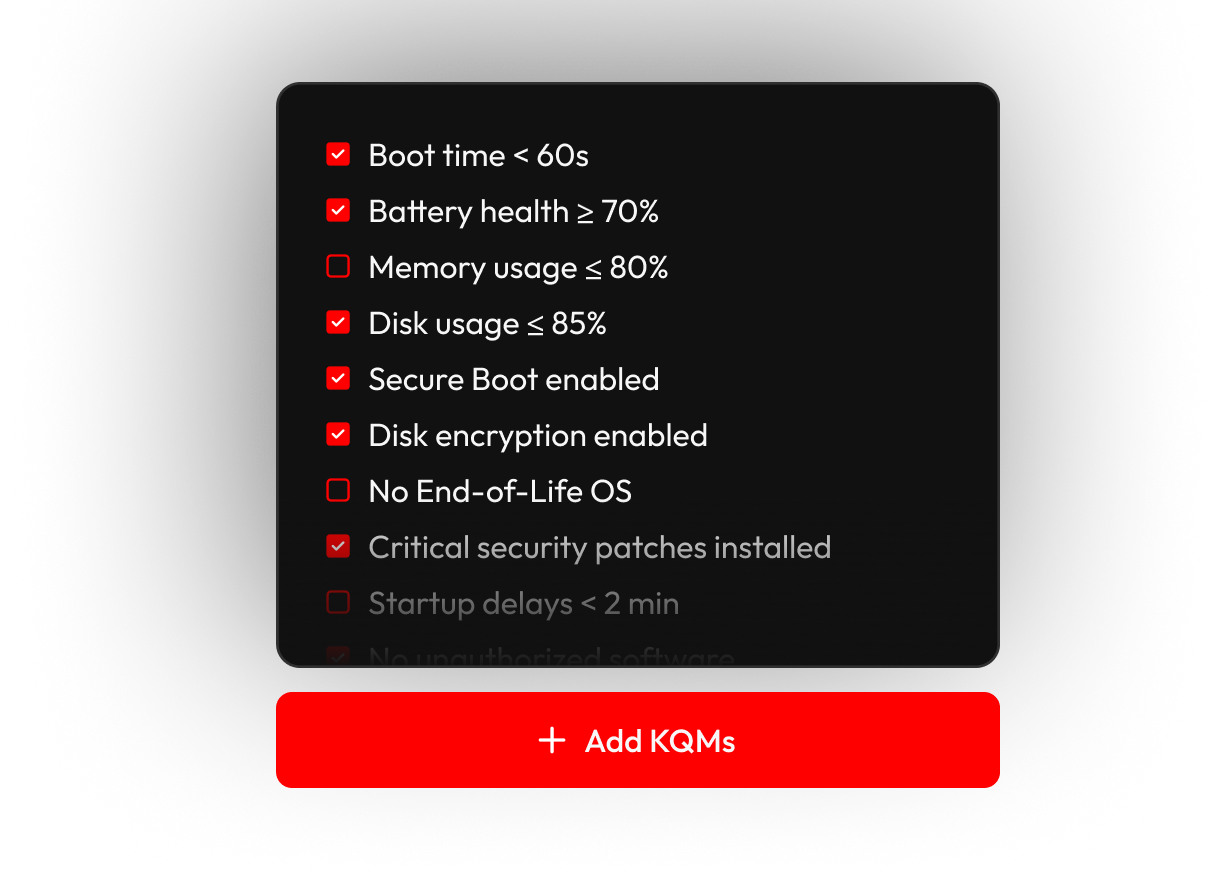
Step 1
Define a Healthy Computer
Set the minimum acceptable quality for a device based on Key Quality Metrics:
Use Applixure’s proven defaults, or raise the bar with your own standards.
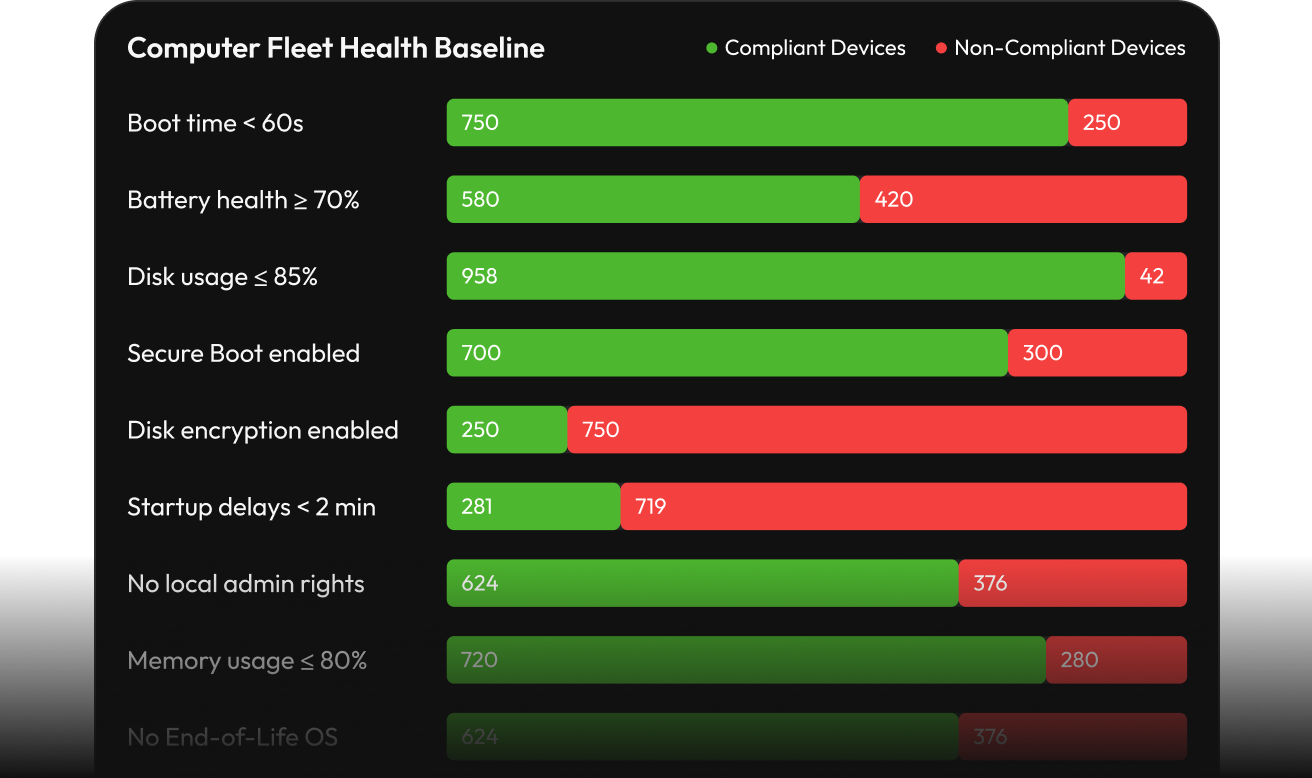
Step 2
Monitor Healthy Computer Baseline
Automatically be notified when a computer drops below your quality standards.
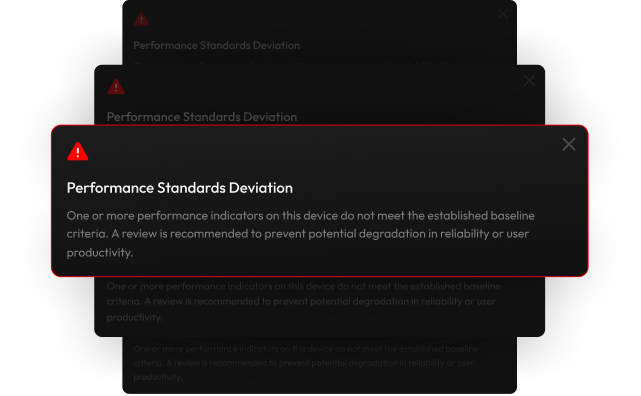
Step 3
Automated Monitoring and Get Alerts
Applixure monitors your baseline automatically.
Get notified when devices or groups fall below defined standards, so you can act early and prevent user impact.
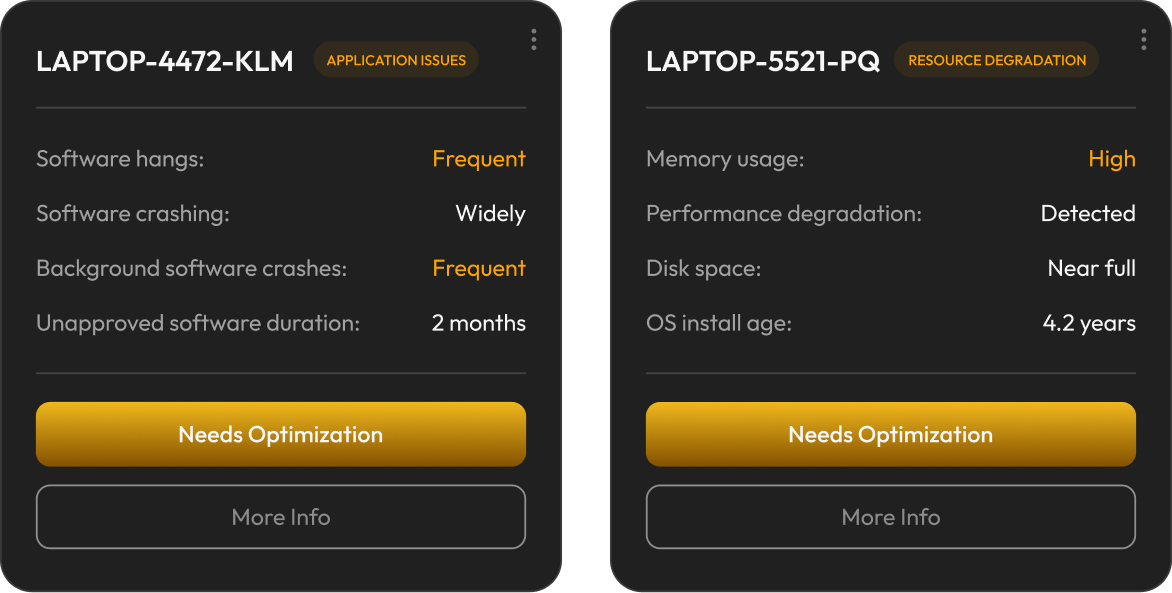
Step 4
Act on Issues Before Users Feel Them
Clear, prioritized actions based on real device conditions.
Identify issues instantly and take targeted action to prevent escalation and maintain performance.
Step 5
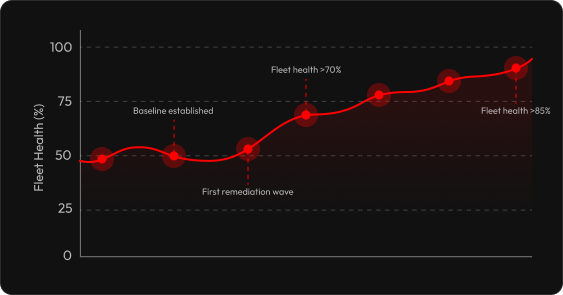
Continuously Improve Fleet Health
Ongoing quality management at scale.
Track improvements over time and maintain a consistently high-performing, reliable device fleet.
Step 6
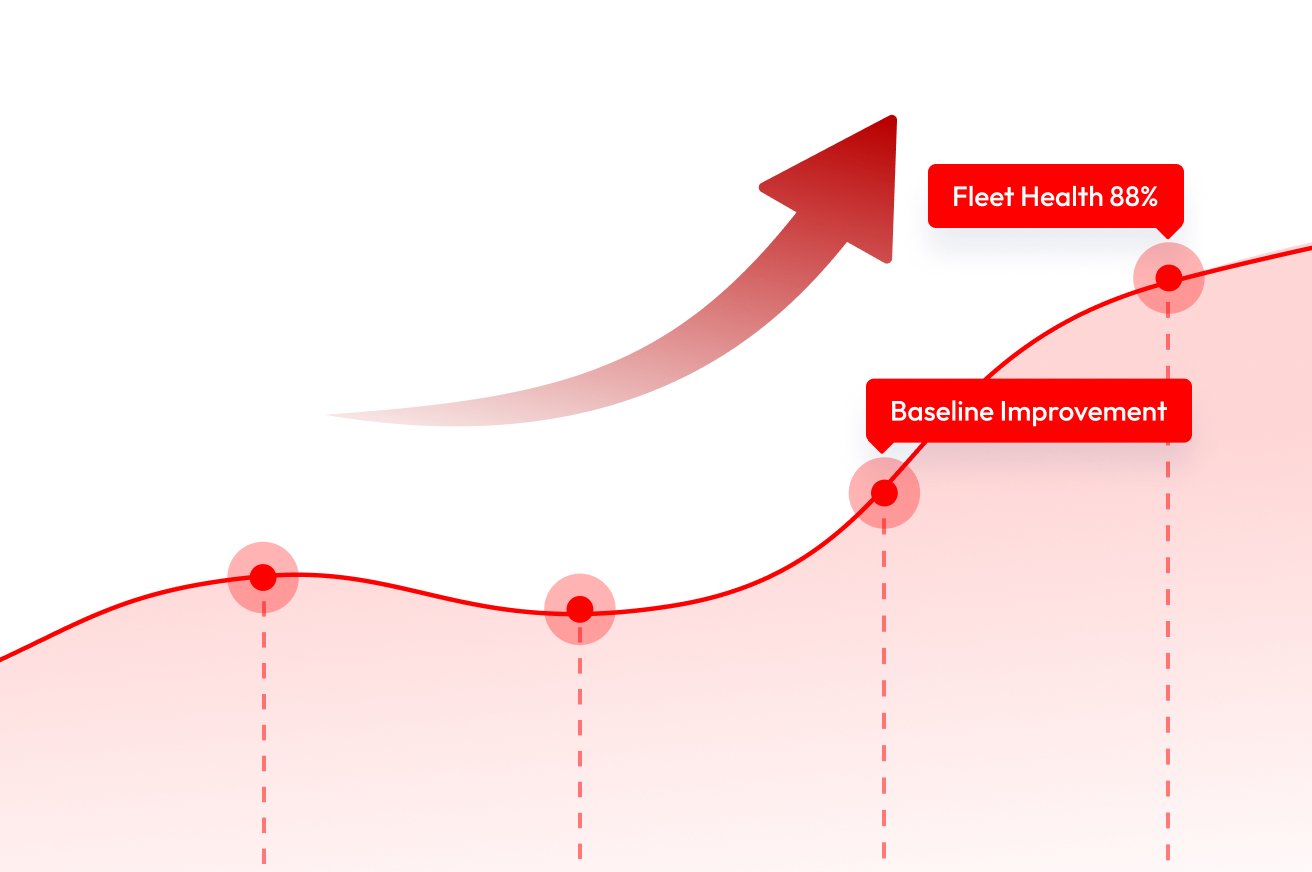
Validate, Improve, and Raise Your Standards
Continuously refine what “healthy” means.
Validate outcomes, extend device lifespan, and keep raising your quality standards over time.
Real Impact
Measurable Organizational Outcomes
Based on 500 devices — all figures scale with your fleet size.

FINANCIAL IMPACT
€1.3M
Net Savings (3-Year)
€206K
Replacement Waste Avoided

OPERATIONAL IMPACT
30%
Fewer Tickets by Year 3
10,296
Hours Productivity Recovered
.svg)
LIFECYCLE IMPACT
+2.1 Year
Avg. Lifespan Extension
350
Devices Extended
95%
Healthy Fleet
Savings Breakdown
3-years total
Initial investment
Applixure Analytics license (~€1.19/device/mo) plus deployment costs.
+€30K

End-user productivity
Reducing device downtime and errors improves user output by 5–15% over 3 years.
-€257K

Lifespan extension
Applixure identifies devices safe to keep longer, deferring replacement costs.
-€206K
Reduction in reported incidents
Proactive health alerts reduce ticket volume and speed up first-call resolution.
-€515K
-2.svg)
Support Productivity
Engineering teams spend less time on recurring device issues.
-€103K

Risk reduction
50% fewer compliance sanctions through continuous security baseline monitoring.
-€65K

Software license optimisation
Applixure detects unused licenses, reclaiming 5–8% of software spend.
-€26K
Net Savings
-€1.3M
Operational Outcomes
What Changes When Your Fleet Is Continuously optimised

Fewer support tickets
Degrading devices are remediated before they generate user complaints. Proactive intervention replaces reactive incident response.

Predictable device behaviour
Fleet health is maintained within a defined quality range — eliminating the unpredictability that comes from unmonitored device degradation.

Reduced lifecycle costs
Premature replacements are eliminated. Hardware investment is concentrated on devices that genuinely cannot be recovered — not on calendar-driven assumptions.

Recovered IT operational time
Proactive, targeted interventions take less time than reactive firefighting. IT teams work from a prioritised queue, not a continuous stream of unplanned incidents.

Improved user productivity
Devices consistently meet the performance thresholds defined in the KQM baseline — meaning users work on hardware that functions as expected, every day.

Defensible lifecycle decisions
Every replacement is supported by objective health data. Decisions are consistent across engineers and auditable to stakeholders and procurement teams.

Reduced hardware waste
Devices are used to their full functional life. Hardware exits the fleet when it is genuinely non-recoverable — not when a fixed refresh cycle dictates.

Maintained security posture
Security-related KQMs are part of the baseline definition. Devices that fall below the security threshold are flagged immediately — not discovered in the next audit.
Measurable fleet improvement
Fleet health percentage is a quantifiable metric that can be reported to leadership. IT management becomes visible and demonstrably effective.
Reinvest into what matters
Freed-up budget and recovered IT hours become fuel for strategic initiatives
Security
improvements

Automation &
modernisation

Employee
experience

Infrastructure
projects

AI & digital
transformation
What happens when IT teams manage by health, not age
28% reduction in support tickets

"Applixure’s tools helped us secure our systems proactively. The security insights have been invaluable for avoiding potential threats."
"Applixure’s tools helped us secure our systems proactively. The security insights have been invaluable for avoiding potential threats."
"Applixure’s tools helped us secure our systems proactively. The security insights have been invaluable for avoiding potential threats."
How It Works: Your 30-Day Journey
Minimal effort, maximum insight

Week 1
Instant Visibility
Deploy lightweight agents and start collecting live data

Week 2-3
Surface the Truth
See real issues and test Key Quality Metrics unique to your setup

Week 4
Review & Quantify
Walk through findings report and quantify potential savings

< 2 Hours
Total time required

Thousands
Potential monthly savings

No risk — no contracts, no commitment

Expert-led, not self-serve

Real results in your environment

Limited free health check slots each month
Trusted by IT Teams Globally