
In this article
Share with your community!


Edited & Reviewed
 Edited & Reviewed
Reading time 4 mins
Updated on September 3, 2026
In this article
Share with your community!
Before your next device refresh, one question is worth asking: how many of the machines on that replacement list are anyone actually using?
For most IT teams, the honest answer is: we don't know.
And that gap between what's in the asset register and what's genuinely in active use is where a significant, entirely avoidable cost lives.
Ghost machines are a fleet management problem that nobody talks about
Every organisation accumulates them. The desktop in the meeting room is used twice a month. The laptop was assigned to a contractor who left eighteen months ago. The shared workstation in a department that quietly moved to tablets. The machine was sitting in a drawer because the person it was ordered for started before it arrived, and got handed a different one.
These devices are real. They show up in your CMDB. They consume software licences. They get included in refresh counts. And when the leasing cycle comes around, they get replaced, because nobody has looked at whether they needed to be there in the first place.
Replacing a machine nobody is using with a new machine nobody is going to use is a waste that's almost invisible in the budget because it looks exactly like normal procurement activity.
.png?width=574&height=323&name=The%20Hidden%20Cost%20of%20One%20Ghost%20Computer-v2%20(1).png)
The number is bigger than it looks
The purchase price or per-device leasing cost is only part of it. For every underutilised machine that gets pulled into a refresh cycle, you're also paying for someone's time to provision and image it, logistics to collect the old device and deliver the new one, data sanitisation and disposal handling on the return, and, if the machine was never doing meaningful work, ongoing software licensing for another three or four years.
Now multiply that by however many ghost machines are in your fleet.
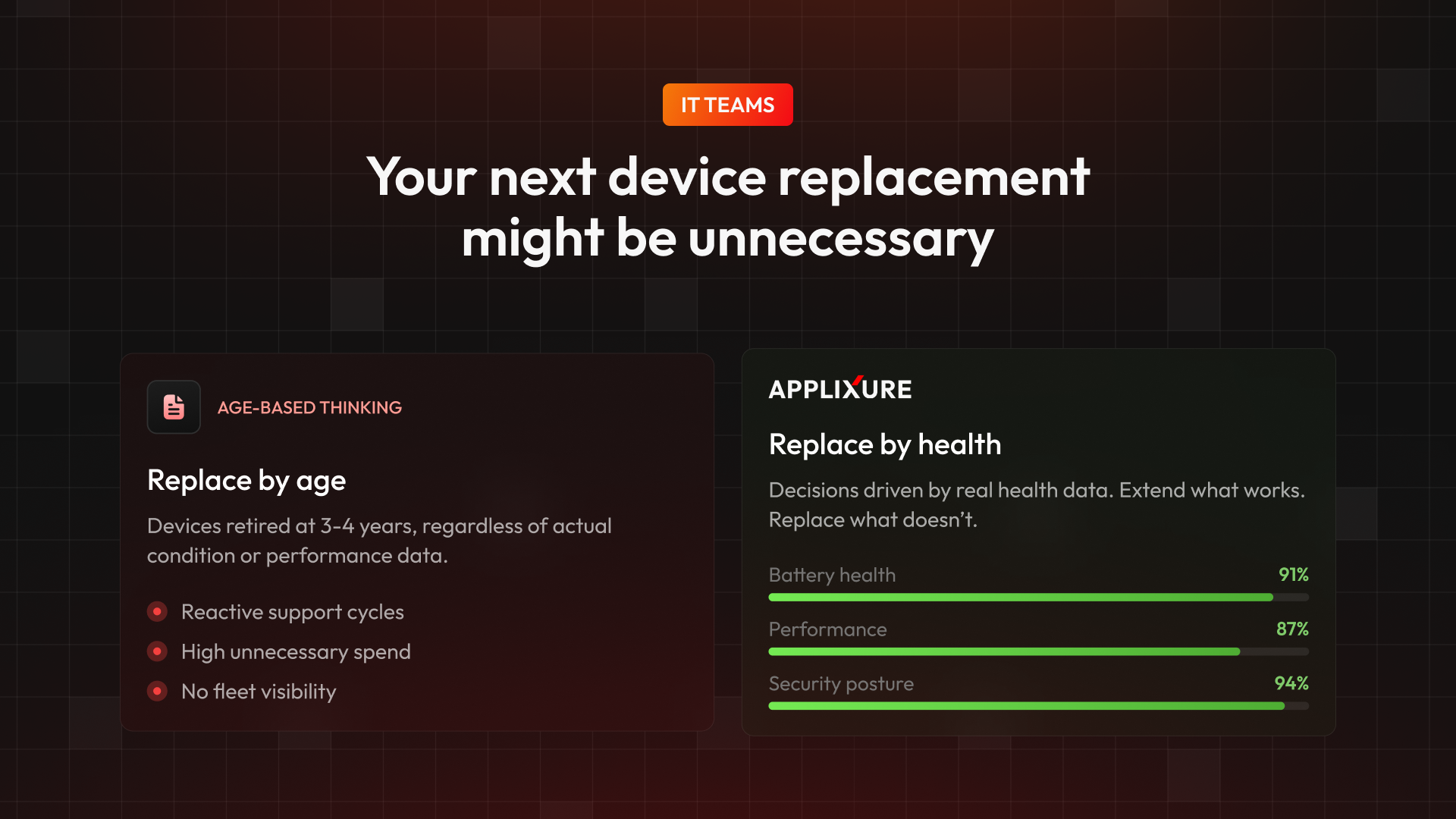
Organisations that run Applixure’s Lifespan analysis before a refresh cycle regularly find that a meaningful percentage of devices flagged for replacement are sitting at low or near-zero active use. Removing them from the replacement pool, decommissioning rather than refreshing, cuts the procurement count, cuts the operational overhead, and eliminates the ongoing licence drag in one move.
It is the cleanest cost reduction available in device fleet management. There is no performance trade-off, no end-user disruption, no risk of increased support load. You are simply stopping the spending on hardware that isn't doing anything.
.png?width=1920&height=1080&name=Asset%20Register%20vs%20Actual%20Use%20(1).png)
Why doesn't this get caught earlier?
The asset register tells you what you own, but it does not tell you how often it gets touched. Without utilisation data, actual active use metrics, not login events or network pings, there is no way to distinguish a heavily-used machine from one that's been effectively abandoned. They look identical in the spreadsheet.
This is not a people problem, and IT teams are not being careless.
IT is working from the information available, and the information available doesn't include usage. So machines that have drifted into idleness stay on the books, stay in the refresh cycle, and stay costing money.
The fix is visibility, not process change. When you can see which devices are active and which aren't, the underutilised ones become obvious. Decommissioning them becomes a decision, not a discovery.
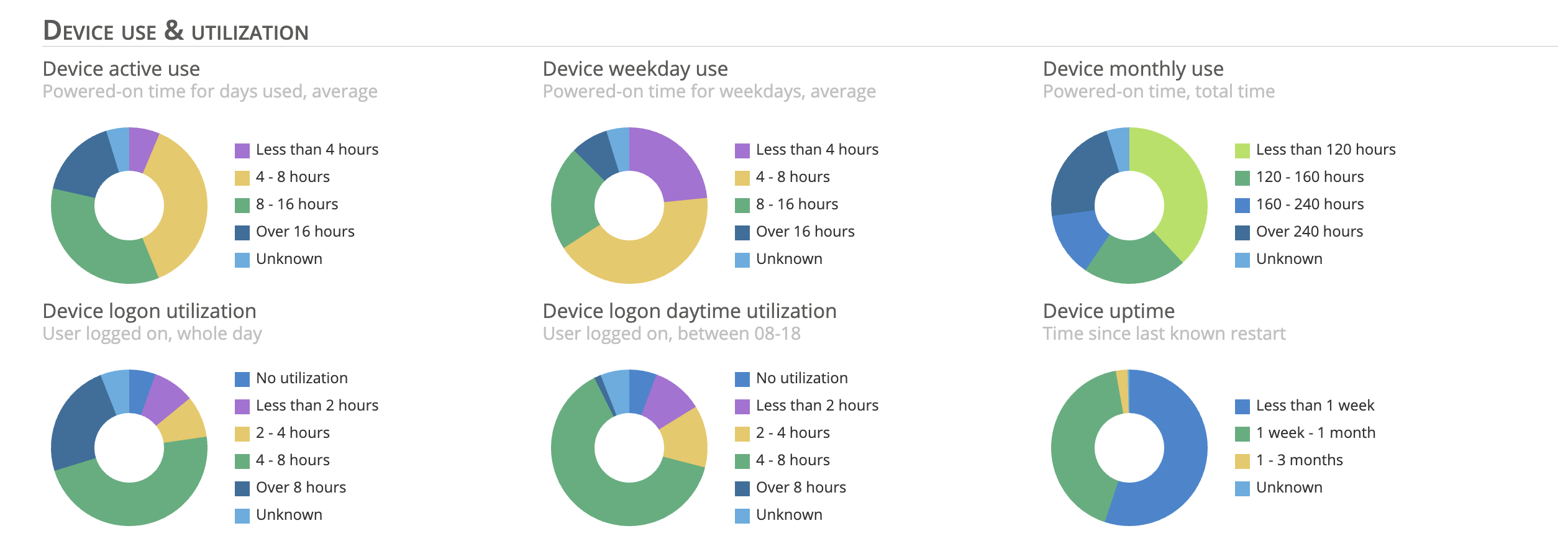
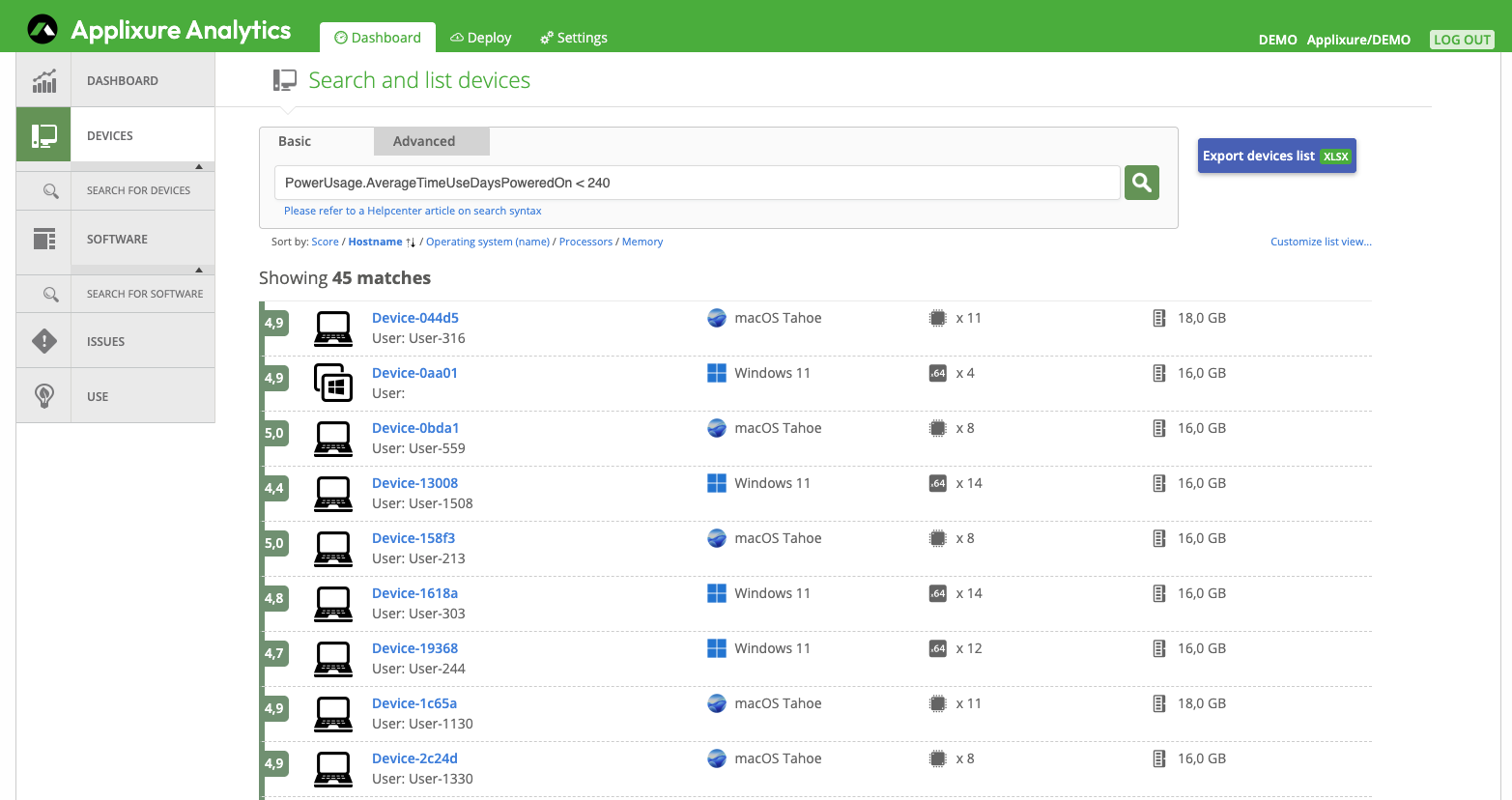
Creating a list of low-utilization devices takes <10 seconds, in Applixure Analytics
How South Ostrobothnia Identified €110,000 in Workstation Savings
One public sector IT team managing over 8,000 workstations ran Applixure’s lifespan analysis as part of a project to reduce device replacement costs. The initial goal was straightforward: find machines that don’t need to be replaced. What they found was over 400+ devices with low or negligible active use. Those machines were decommissioned rather than maintained or replaced, generating immediate savings by removing them from future procurement plans entirely.
Before the next refresh list gets signed off
The question isn't whether underutilised devices exist in your fleet. They do. The question is whether you find them before or after you've ordered replacements for them.
Running Applixure’s lifespan analysis ahead of a refresh cycle is, at this point, a straightforward exercise. The data is there. The decision it enables is simple. And the saving, once you've pulled the idle machines out of the replacement count, shows up immediately, in the same budget cycle.
It is the kind of win that requires no stakeholder negotiation, no new process, and no difficult conversation. There is no one to persuade that replacing a computer nobody is using is a good idea. Because it isn't. And once you can see which computers those are, you won't.
.png?width=1080&height=1080&name=Lifespan%20Analysis%20Explainer%20Session%20v2%20(1).png)
Request The Blueprint
Download the blueprint and learn how to create high-ROI device-replacement models. Click here.

Stay Ahead in IT
Get monthly insights and guides for smarter IT management
No spam. Unsubscribe anytime.