
In this article
Share with your community!


Edited & Reviewed
 Edited & Reviewed
Reading time 4 mins
Updated on September 21, 2026
In this article
Share with your community!
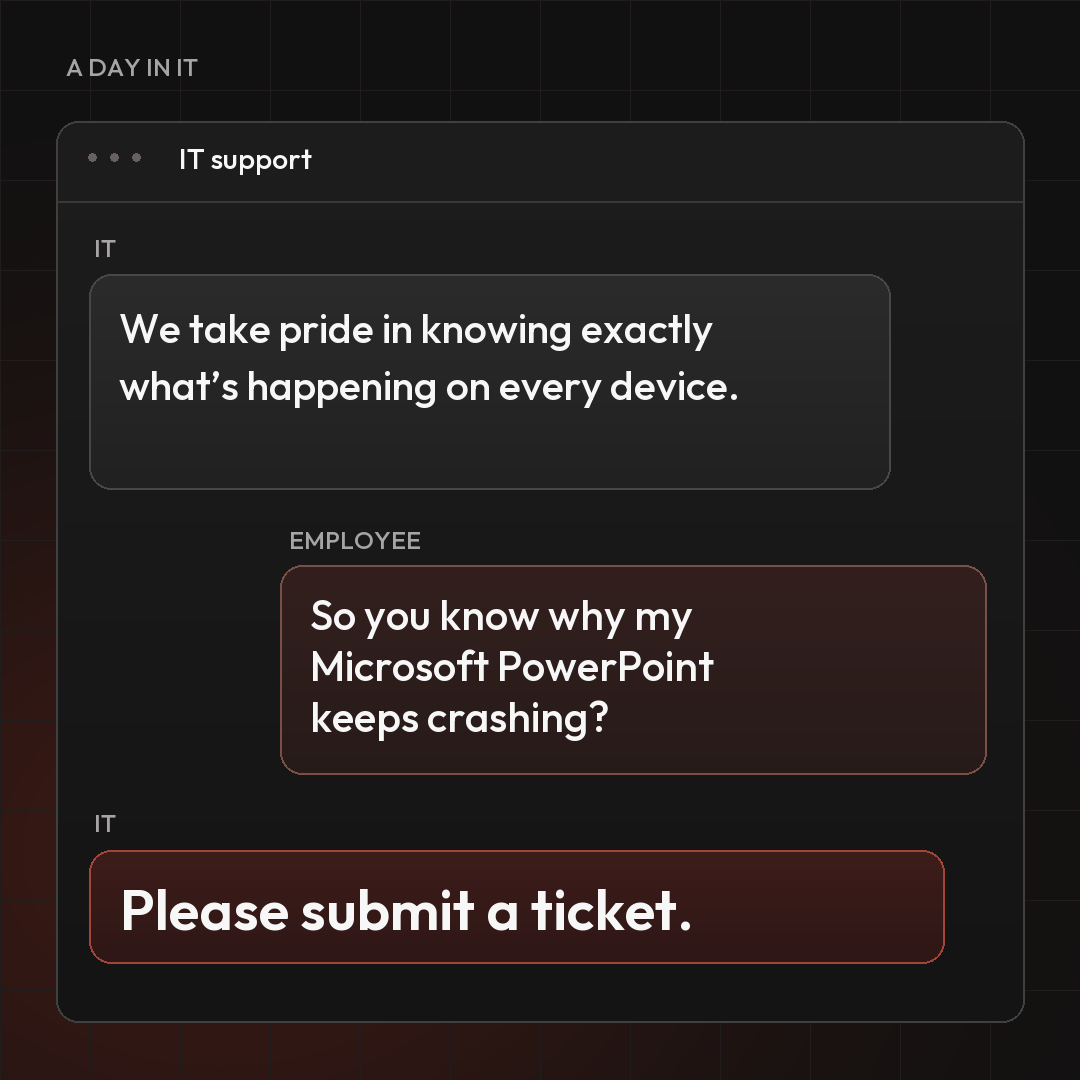
IT teams have a wealth of data at their fingertips. They can see how devices behave, where applications struggle, and when performance starts to slip. Yet when an employee’s laptop slows down, or an application keeps crashing, the support process often begins with the same familiar request:
“Please submit a ticket.”
It’s a reasonable request within a familiar process. Tickets help teams organise work, assign responsibility, and make sure problems don’t disappear into someone’s inbox.
But consider what that request means for the employee. Something has already interrupted their day. Now they need to stop, describe the problem, and wait for someone to investigate.
Meanwhile, the signs of that problem may already be visible to IT.
That’s the opportunity: making better use of the data IT already has, so an employee’s request for help doesn’t always have to be the starting point.
The gap between seeing and acting
Having data and using it to trigger action are two different things.
A dashboard might show declining performance. A report might reveal recurring application failures. But if neither leads to investigation until someone raises a ticket, the employee still carries the responsibility for getting support started.
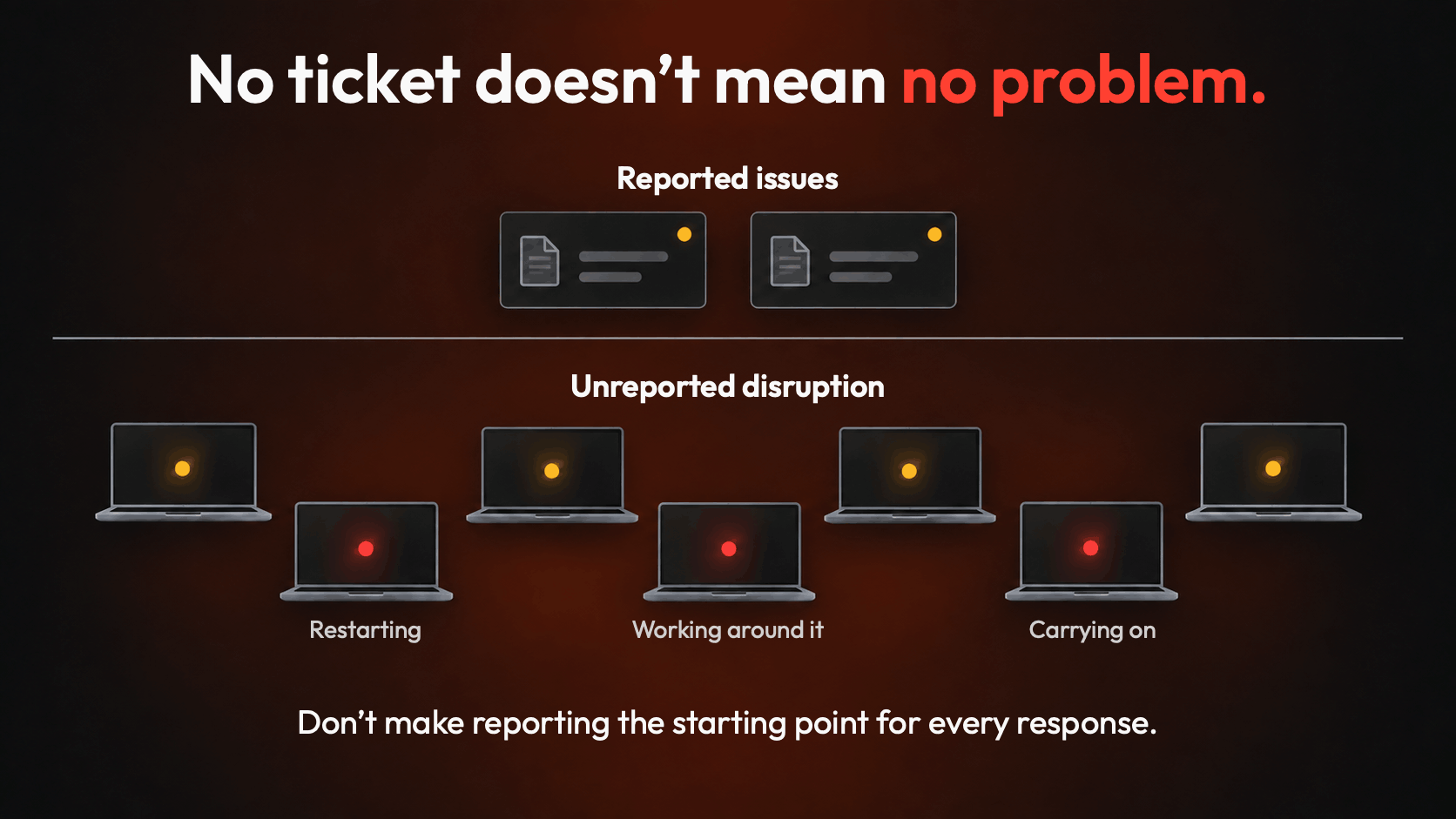
And employees don’t always report problems immediately.
They restart an application. Reboot their laptop. Ask a colleague whether the same thing is happening to them. Find a workaround and carry on.
Each workaround may seem small. But it takes time and attention away from the work they’re there to do.
By the time a ticket arrives, the issue may have been causing frustration for days. It may also be affecting more people than the ticket suggests.
A quiet support queue, then, doesn’t necessarily mean everyone is having a good experience. Sometimes it simply means people have learned to live with a poor one.
Give IT a clear point of intervention
This is where Applixure’s concept of a Computer Fleet Health Baseline comes in.
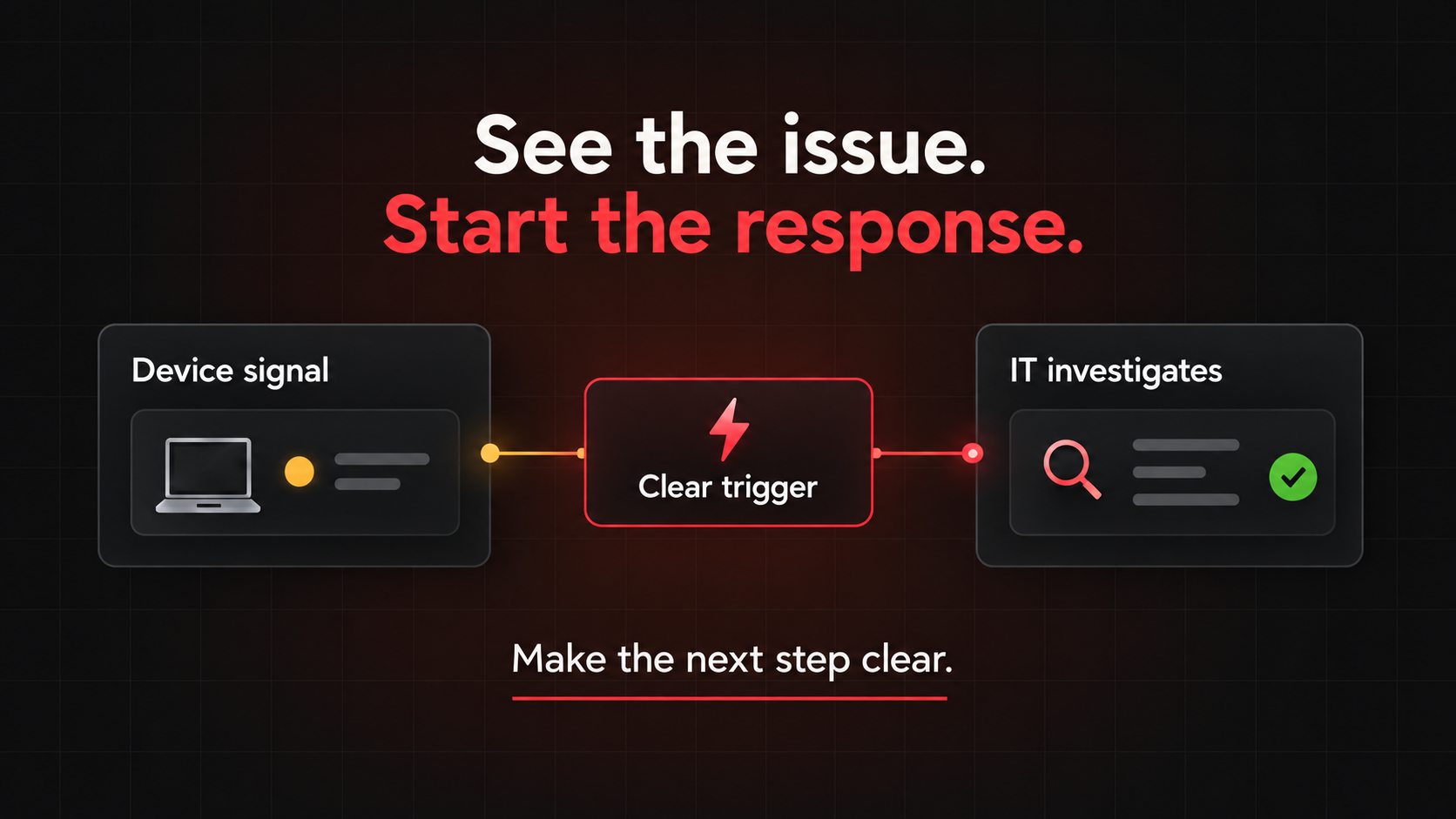
A quality baseline establishes an expected level of IT quality. It gives teams a reference point to monitor against and a signal to investigate when conditions fall below it.
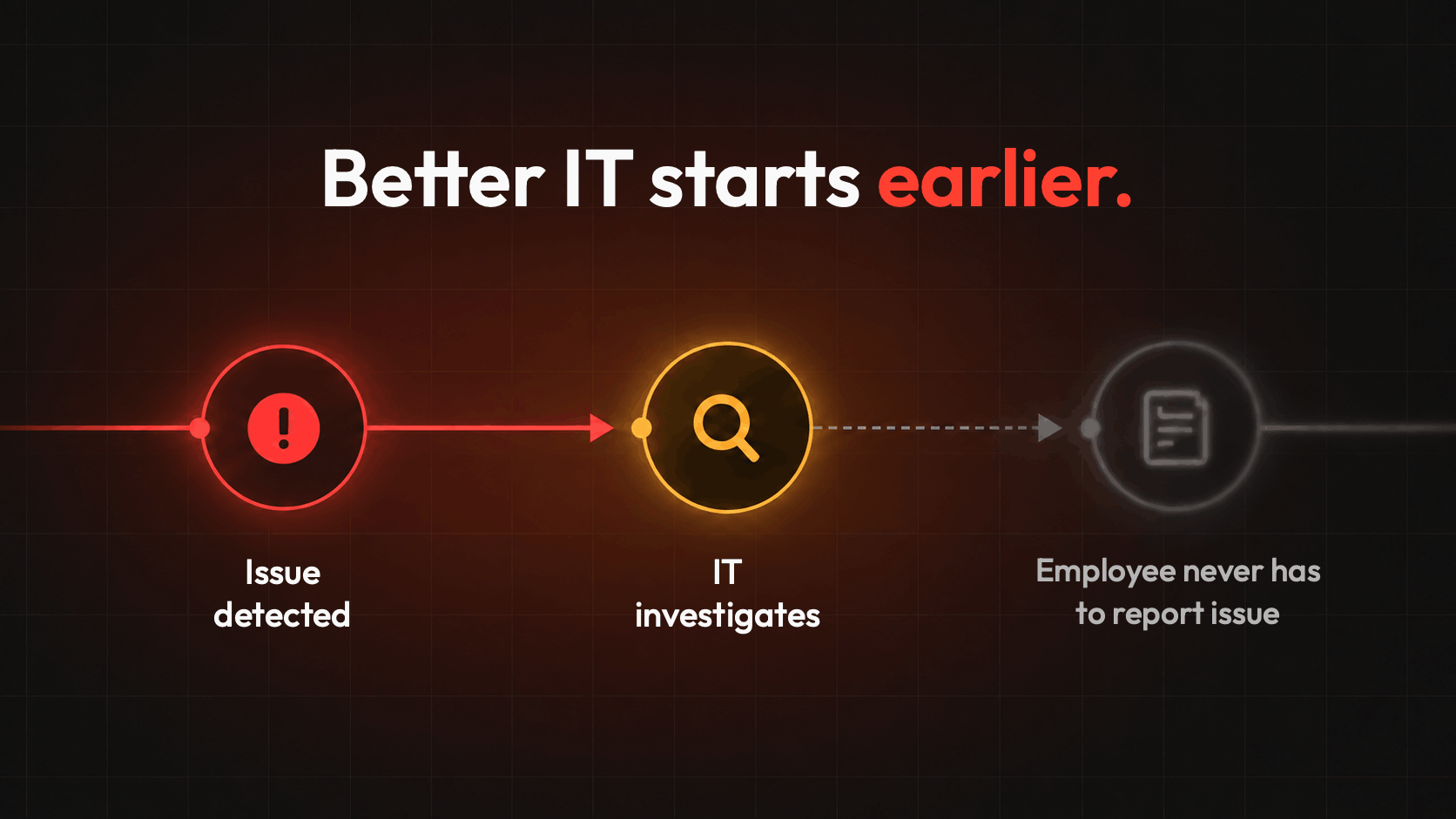
Instead of relying entirely on someone saying, “This has become bad enough for me to report,” IT can identify a decline and decide what response is needed.
That distinction matters. The purpose of a baseline is to make changes visible and actionable.
It helps connect three things that are too often separated: the data IT collects, the experience employees have, and the decisions IT makes.
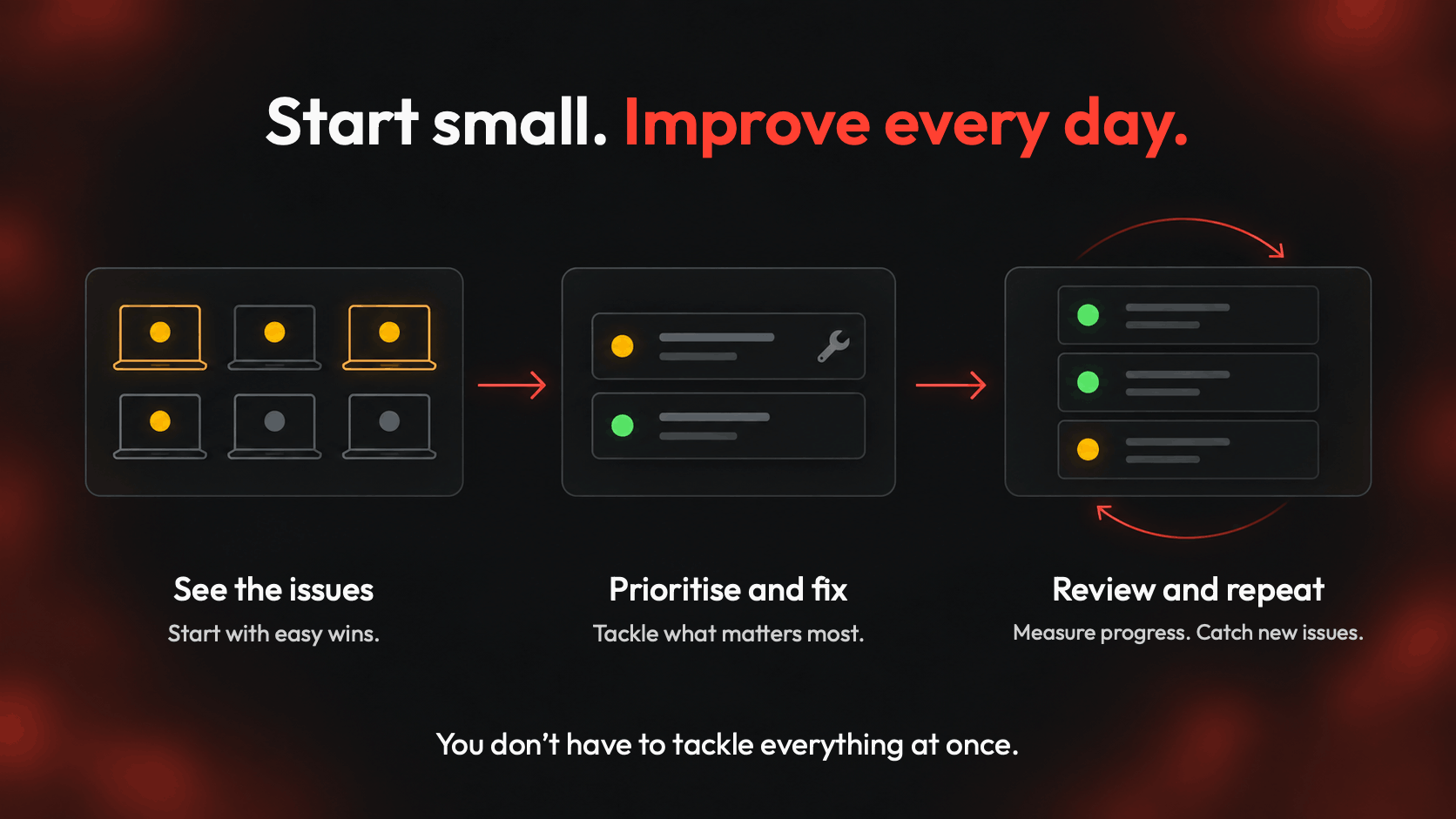
With a baseline in place, monitoring has a clearer purpose. Teams can look for departures from the quality they expect and focus their attention where an investigation could make a difference.
A small issue can be a hidden shared problem
Imagine an application update begins causing crashes across a group of employees’ computers.
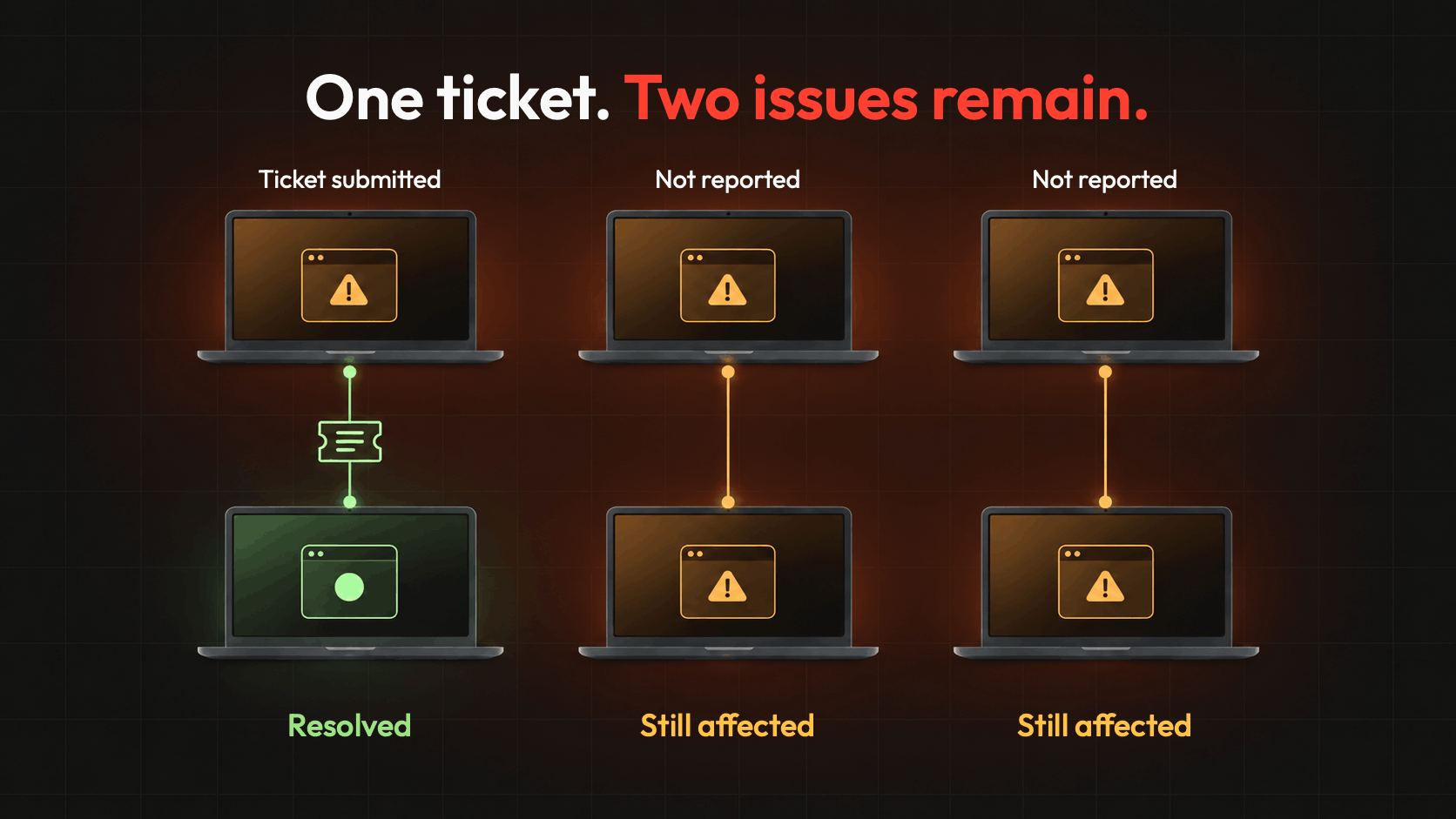
At first, the interruptions are occasional. One employee loses a few minutes reopening the application. Another restarts their computer before a meeting. A third asks a colleague for help.
None submits a ticket straight away.
In a process driven entirely by incoming requests, IT may only become involved when the crashes grow frequent enough for someone to report them. Even then, the first ticket may look like an isolated issue.
Monitoring against a quality baseline creates an earlier opportunity to respond.
A decline in application stability can prompt IT to investigate, establish whether several devices are affected, and look for a shared cause. The recent update becomes a possible explanation to test.
The team can then decide on an appropriate response, potentially addressing the issue before it disrupts more employees.
Monitoring doesn’t fix the problem by itself. Its value is in giving IT an earlier, better-informed starting point.
Less repeated work for IT
For IT teams, the benefit extends beyond spotting problems sooner.
When one underlying issue generates multiple tickets, each report creates work. Someone needs to read it, assess it, communicate with the employee, and connect it to the wider problem.
Employees may receive separate troubleshooting instructions before the common cause becomes clear. Several technicians may spend time investigating different versions of the same issue.
Earlier detection offers a chance to reduce that repetition.
By investigating a shared decline, IT can coordinate its response around the underlying problem. That can mean fewer separate investigations, fewer repeated explanations, and less time spent managing the consequences of an issue that has already spread.
For teams under pressure, this is a practical way to make their effort go further.
Fewer interruptions for employees
Employees rarely think about IT quality in terms of monitoring or support processes.
They think about whether they can get their work done.
Can they join a meeting without restarting? Finish a task without an application crashing? Start the day without waiting for their computer to catch up?
When those everyday experiences deteriorate, the cost includes lost momentum, repeated work, and uncertainty about whether the problem will happen again.
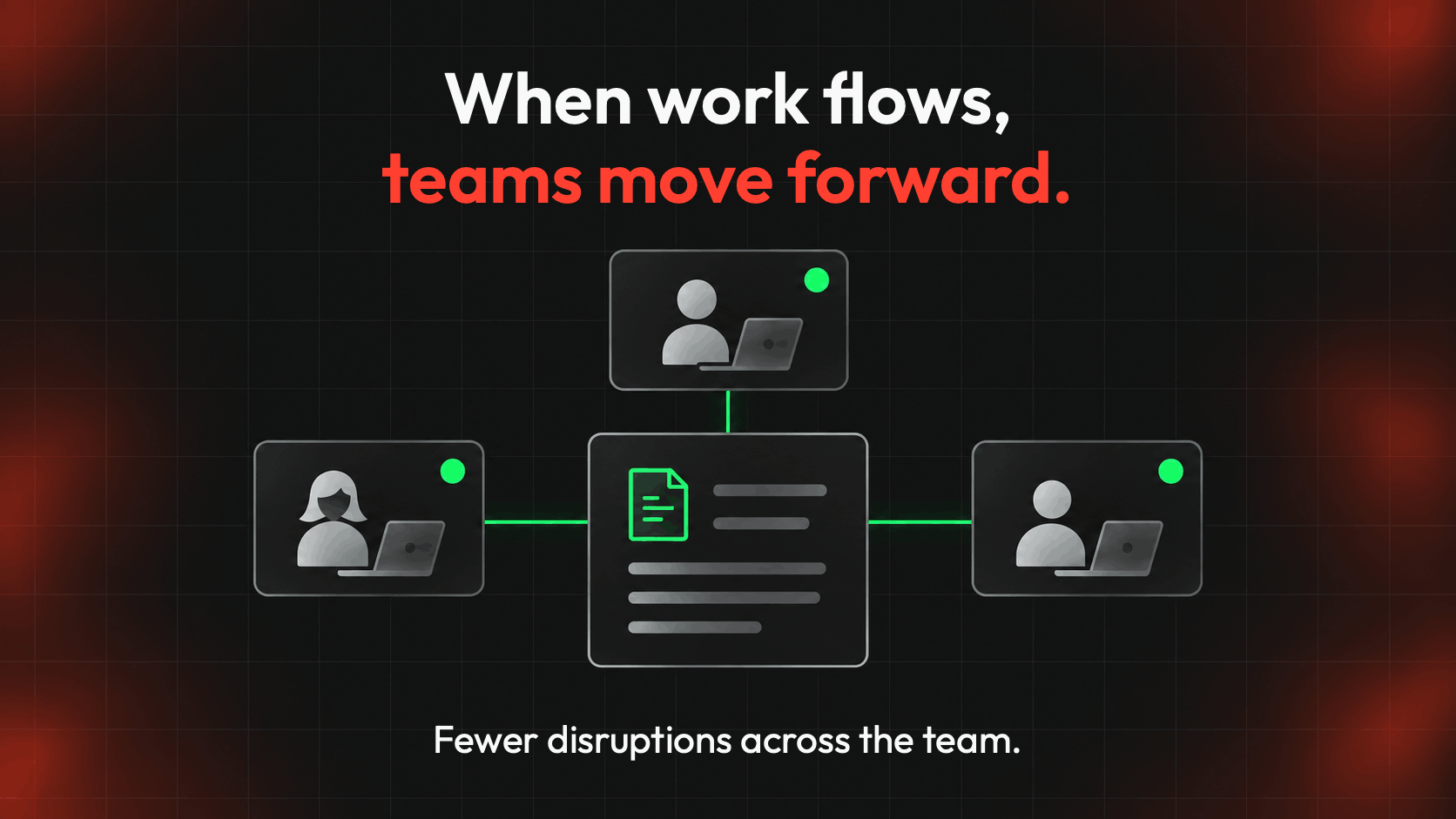
Acting earlier can reduce those interruptions. It can also reduce the effort employees spend documenting problems and following up on requests.
For the business, the benefit is straightforward: less time diverted from useful work, and fewer people affected by problems that could have been addressed sooner.
Keep tickets, change the starting point
Tickets still have an important role.
Employees provide context that monitoring alone cannot capture. Some problems require a conversation. Others involve requests or circumstances that performance data won’t reveal.
The opportunity is to stop making a ticket the prerequisite for every intervention.
With Applixure’s quality baseline approach, IT can establish an expected standard, monitor for declines, and act when the evidence calls for attention.
That creates a more proactive relationship between IT and the people it supports. Employees can still ask for help, while IT can respond to emerging problems without waiting to be asked.
The question becomes: “What can we already see, and where should we act?”
Because the best support experience isn’t always a ticket resolved quickly.
Sometimes, it’s the ticket an employee never needed to submit.
Start acting before the next ticket
Give your IT team the visibility to spot issues earlier—and your employees fewer reasons to stop working.
Book a demo to explore how Applixure helps you define your quality baseline, identify deviations, and focus on what needs attention.
Prefer to start with a guide? Download the Quality Baseline blueprint and explore a more informed approach to computer replacement.
Stay Ahead in IT
Get monthly insights and guides for smarter IT management
No spam. Unsubscribe anytime.